-
Open RaceDay
Go to victoryraceday.com and tap Open RaceDay on the laptop or tablet you'll run the night from. The first time it opens, a short Set up RaceDay wizard appears on its own.
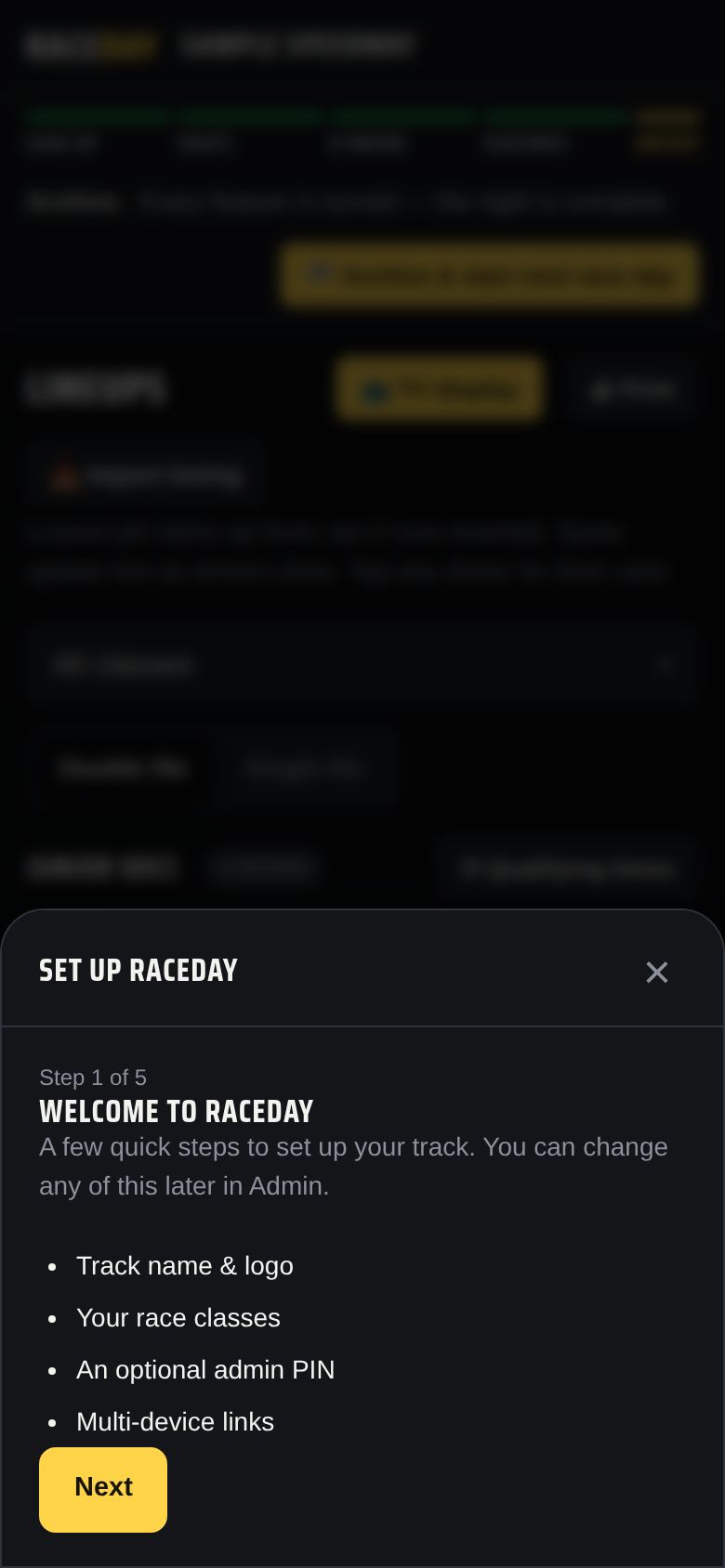
Step 1 of 5 — Welcome -
Name your track
Type your Track name * — it's the only thing required. Logo, track length, surface, configuration, and history are optional; fans see them in the spectator view. Tap Next.
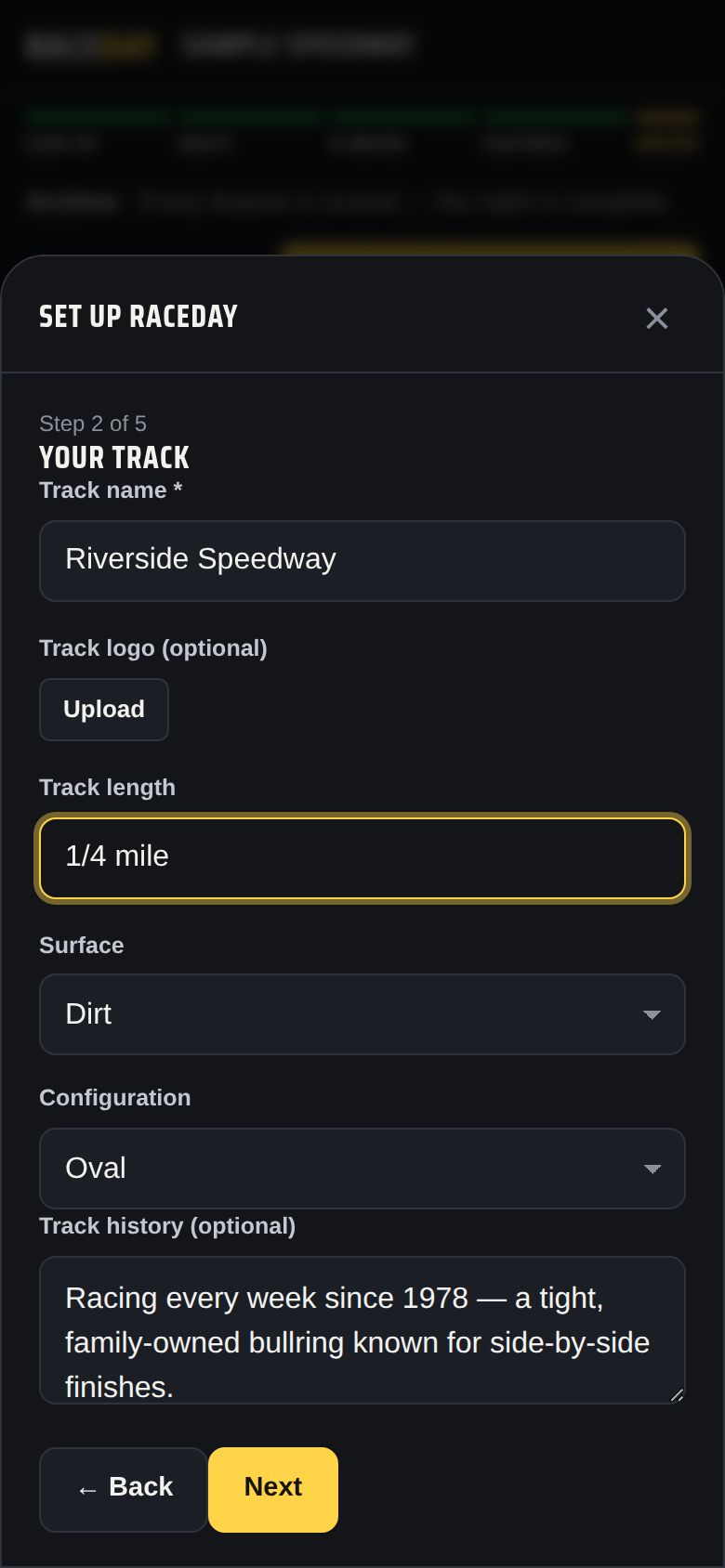
Step 2 — Your track -
Add your race classes
Rename the starting classes to match yours, and tap + Add a class for more. Every class needs a name. These names are exactly what drivers tap at sign-up, so get them right — renaming a class later starts a new points series for it.
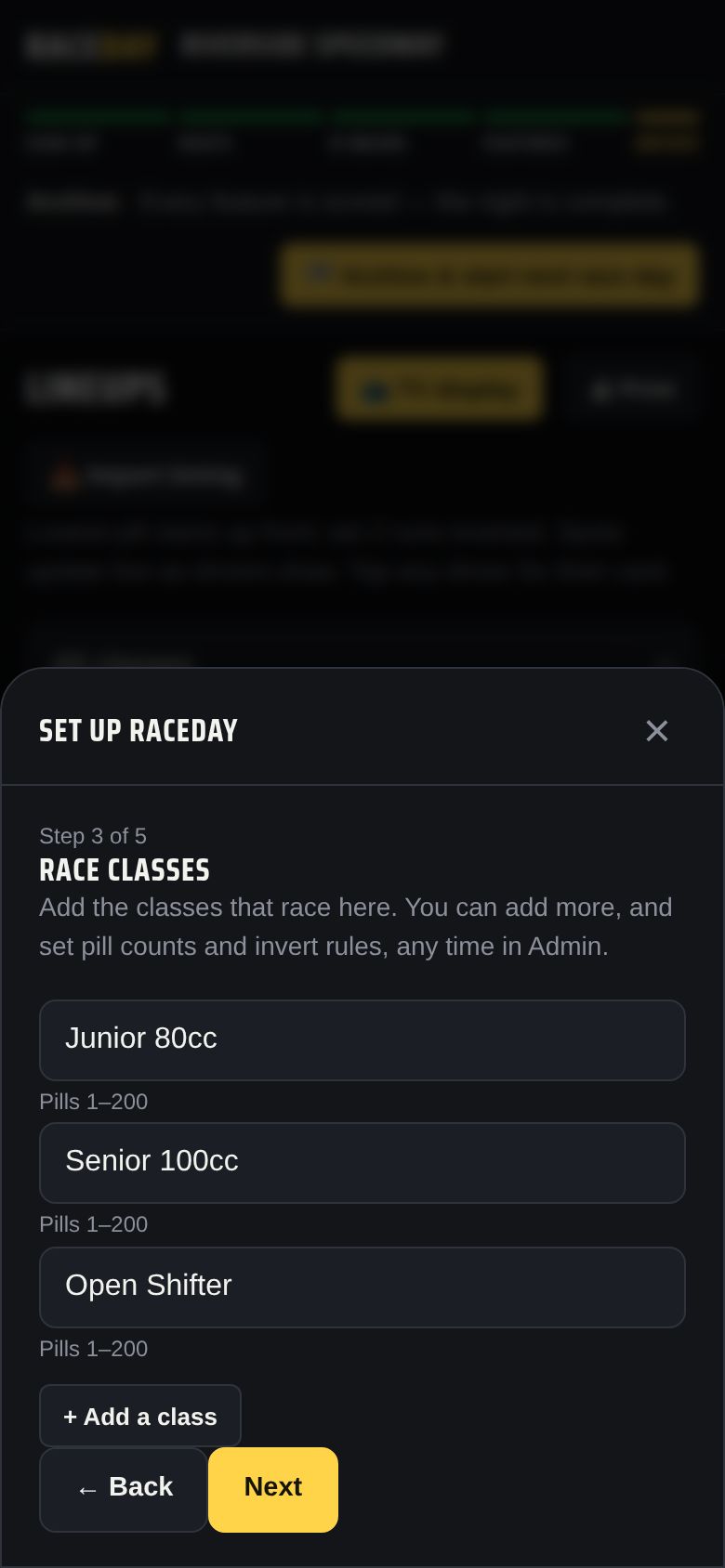
Step 3 — Race classes -
Set an admin PIN (optional)
A 4–8 digit PIN locks the Admin tab on this device — handy if drivers will sign themselves up on it. Leave both boxes blank to skip; you can set one later in Admin → Admin PIN. Tap Next, then Done.
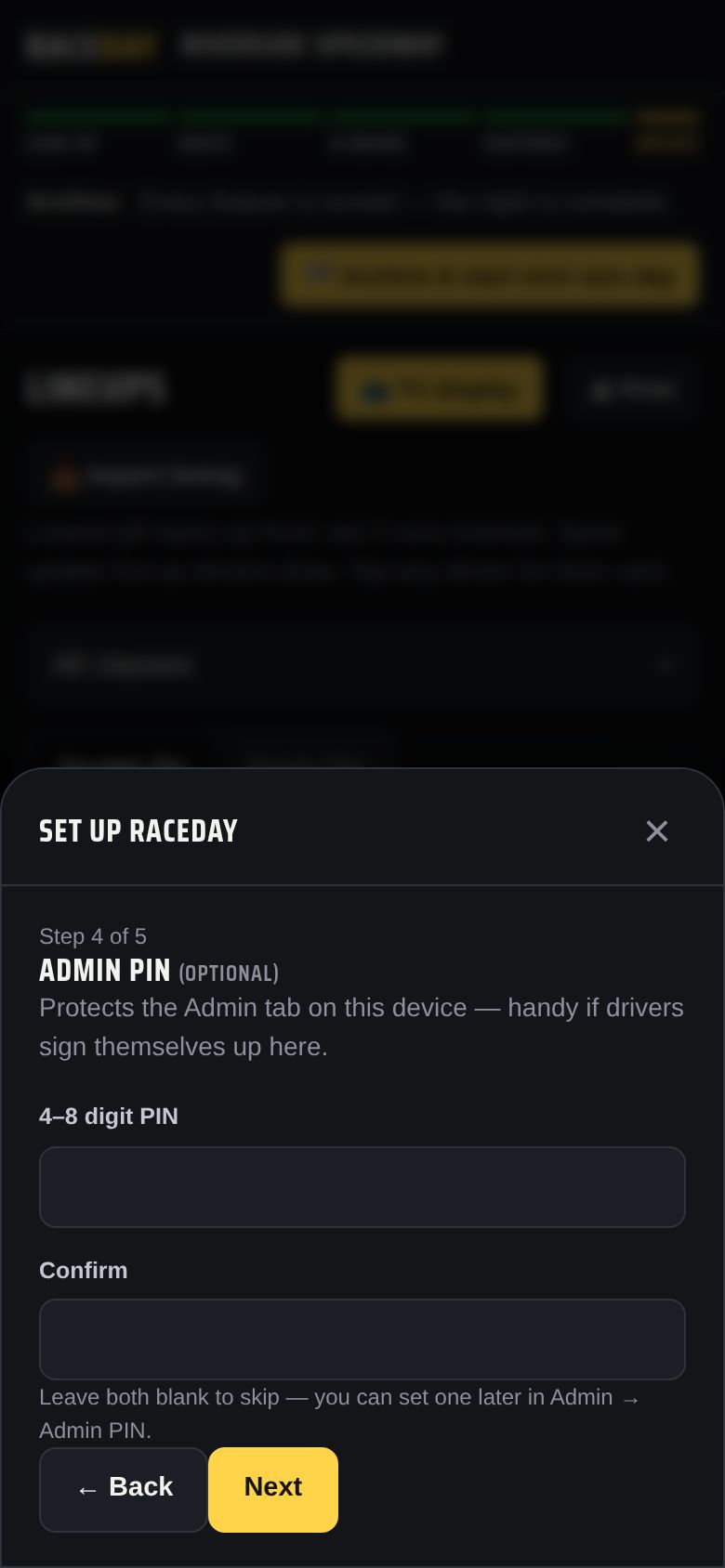
Step 4 — Admin PIN -
Fine-tune each class
Open Admin → Season setup → Race classes. For each class you can set:
- Pills 1– — the highest pill number in that class's draw
- Format — pill draw with 2 heats, or a qualifying format
- Heat start — whether to invert the front of the field
- Sizes — a different heat, feature, or B-main size just for this class
- The running order — use ↑ / ↓ to set which class races first
See Pill draw & heats and Qualifying for what each format does.
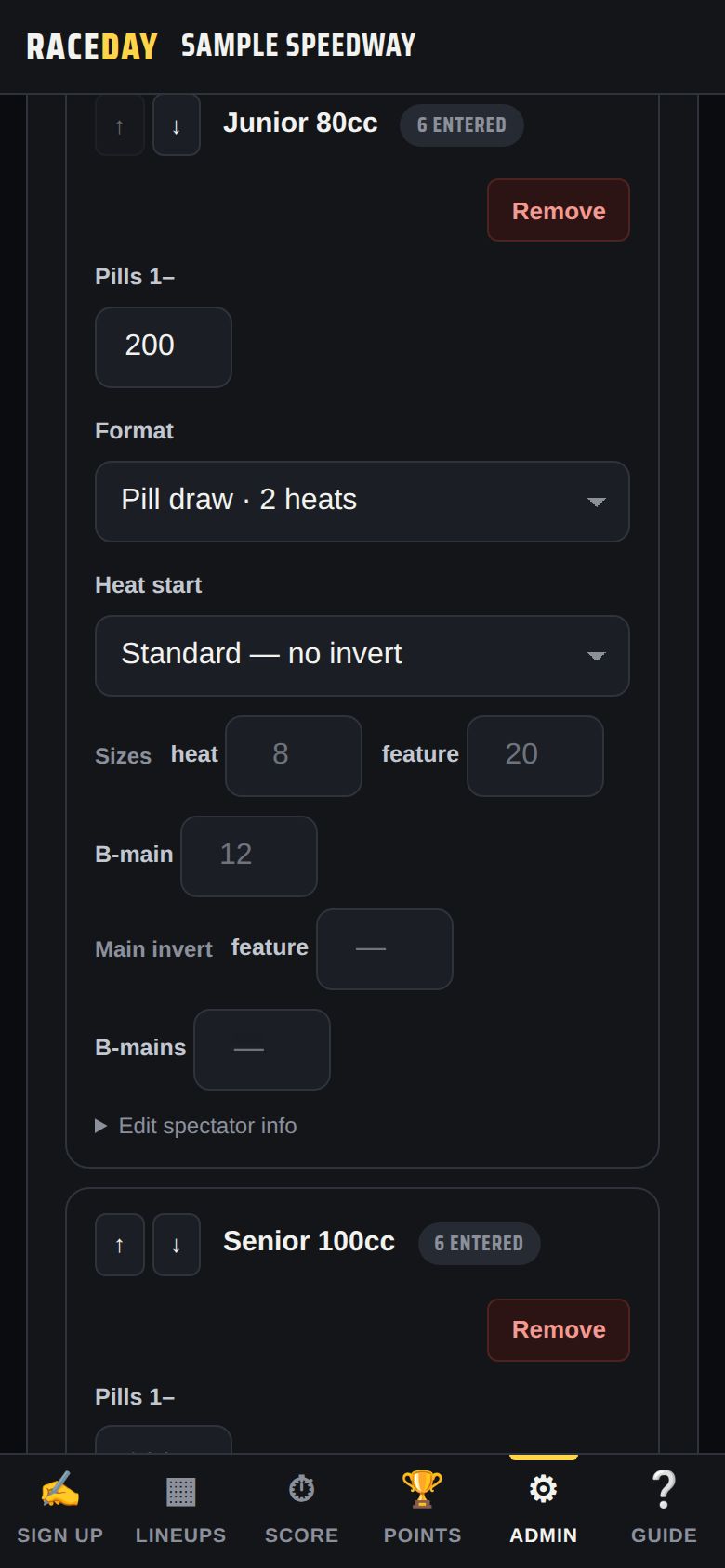
Admin → Race classes -
Set your race format
In Admin → Race format, set the track-wide defaults: Max cars per heat, Max in feature, Max in B-main, B-main transfers, how pills are split into heats, and how B-mains work. See B-mains.
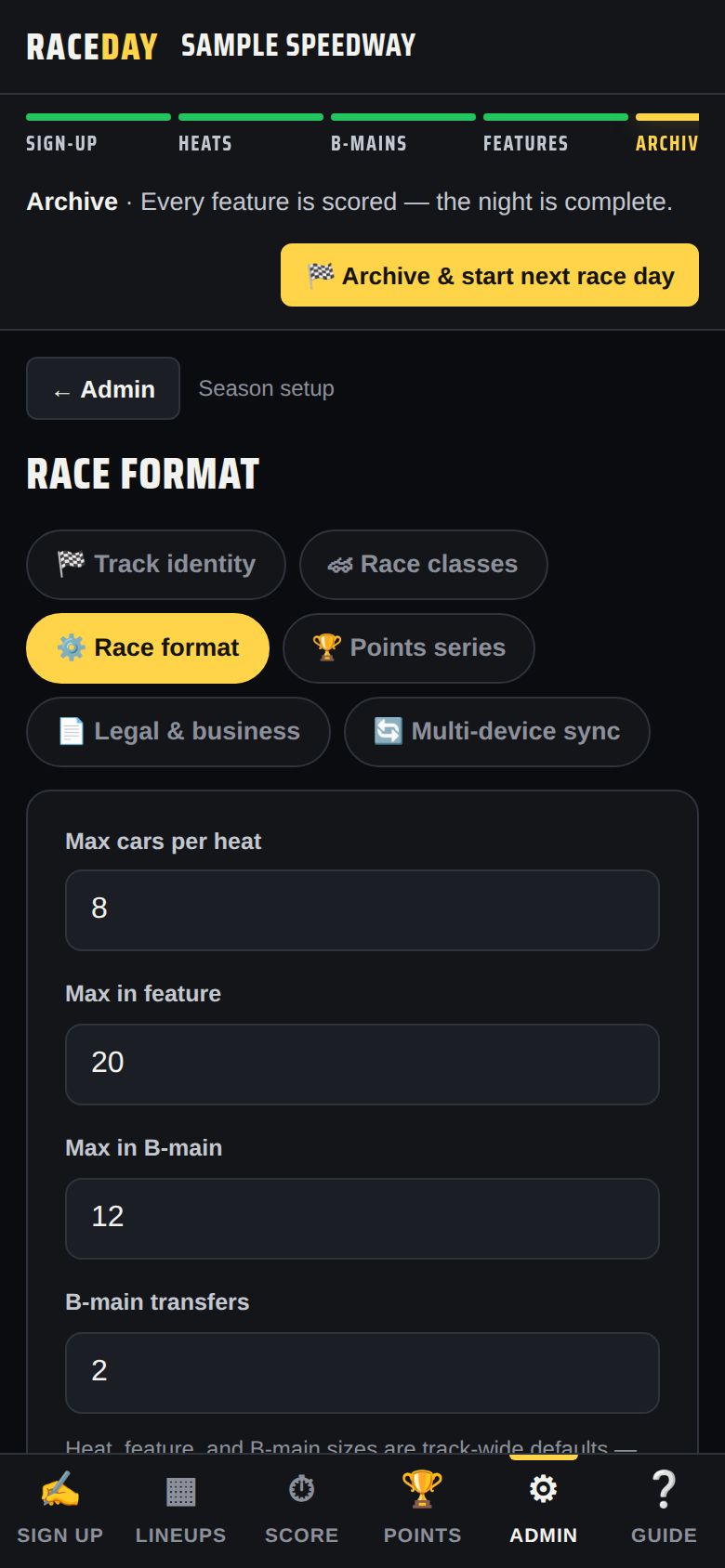
Admin → Race format -
Pick your points system
In Admin → Points series, choose Standard (10-8-6-5-4-3-2-1), F1-style, full-field linear, podium only, or type your own. See Season points.
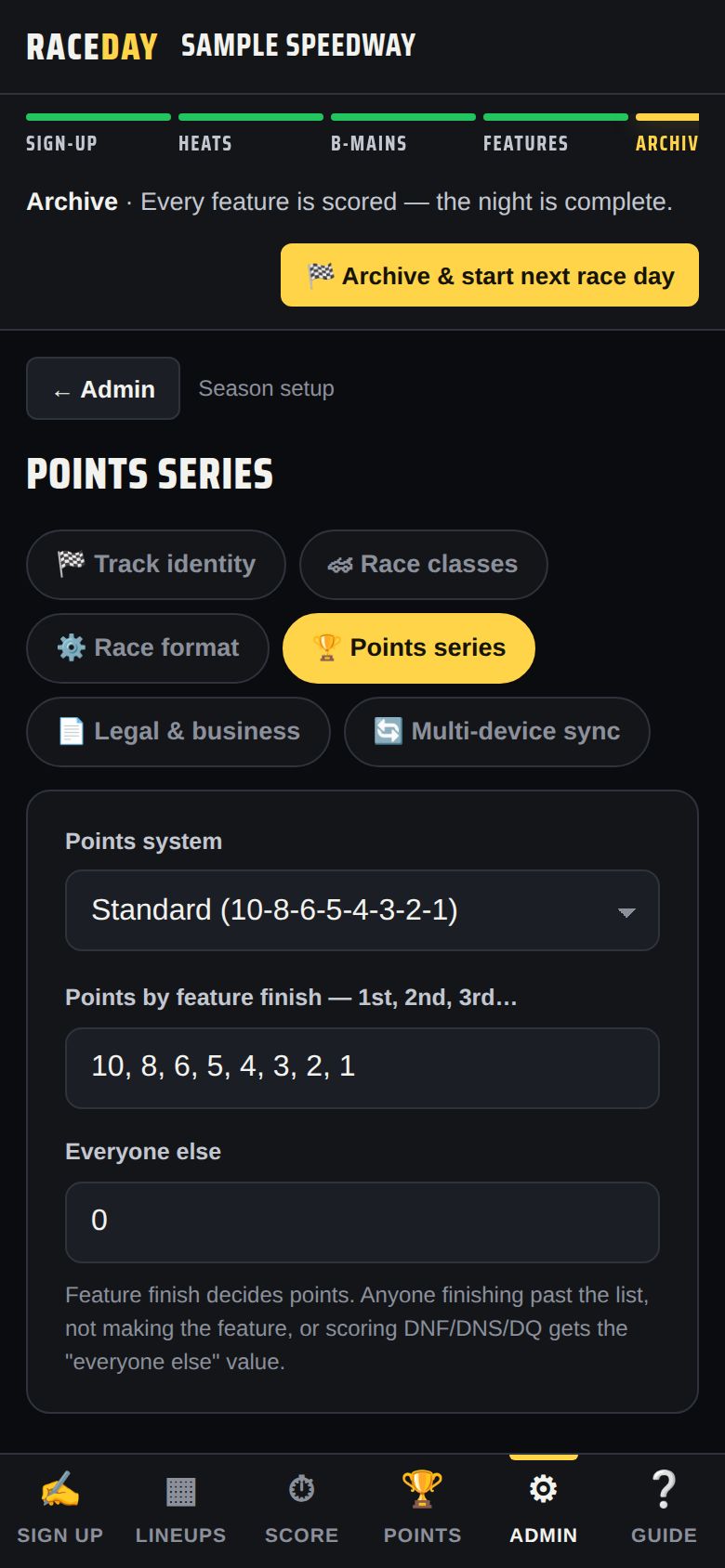
Admin → Points series -
Trial and license
Your first race day is free with every feature unlocked. When you're ready, open Admin → Account → License, type your access code and tap Activate — or use the Buy buttons for a season pass or a 10-day packet.
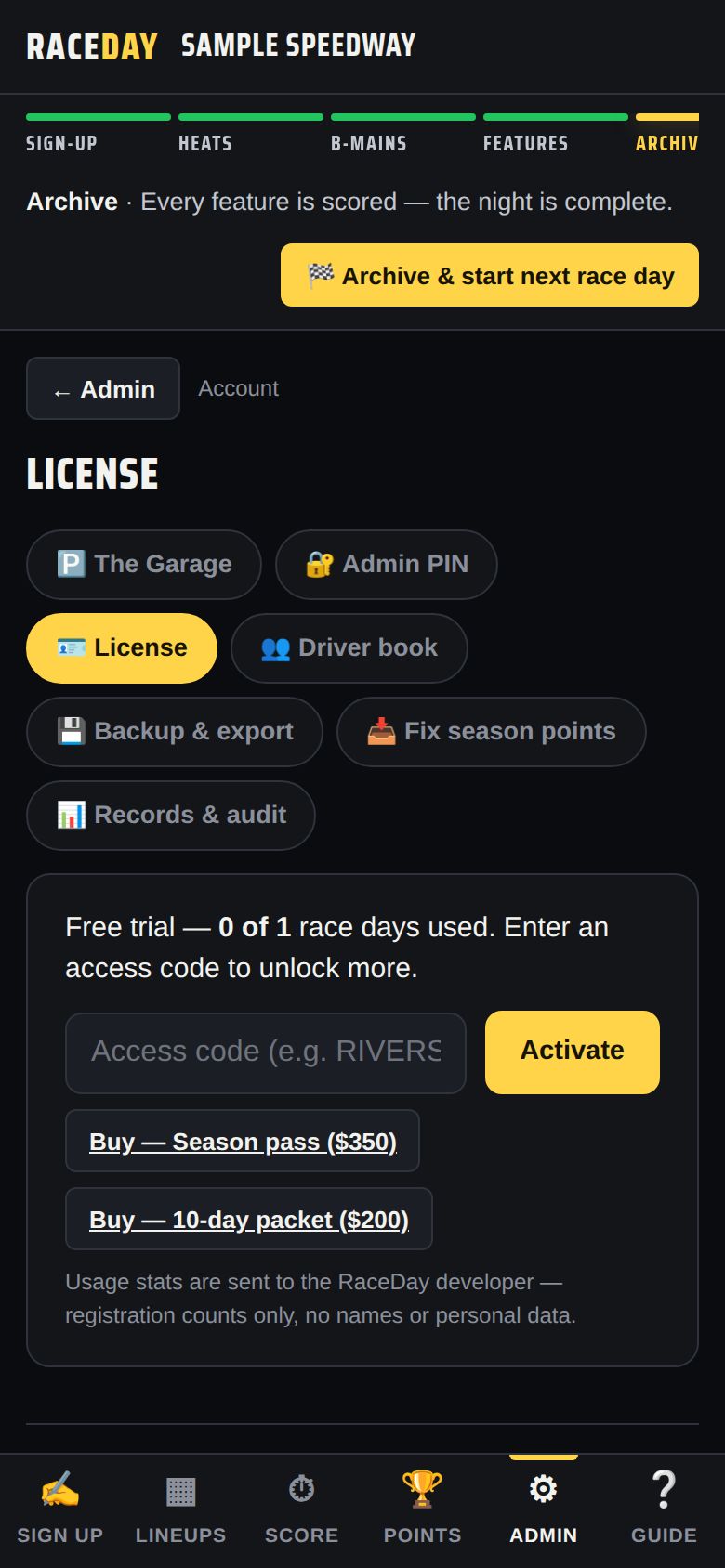
Admin → License
Good to know
- Lost track of a setting? The Admin search box finds it — try typing “invert” or “b-main”.
- Want to run the wizard again? Admin → Track identity → Re-run the setup wizard.
- Running more than one device? Do this setup on your main device first, then follow Multiple devices.
Next guides
Still stuck? The Field Manual walks through every screen, and the FAQ covers common questions. Or just ask.
Email a question →