Build your driver card once — name, number, sponsors, team colors. Give your link code at any RaceDay track's sign-up table, and the track sends your results straight back to your profile.
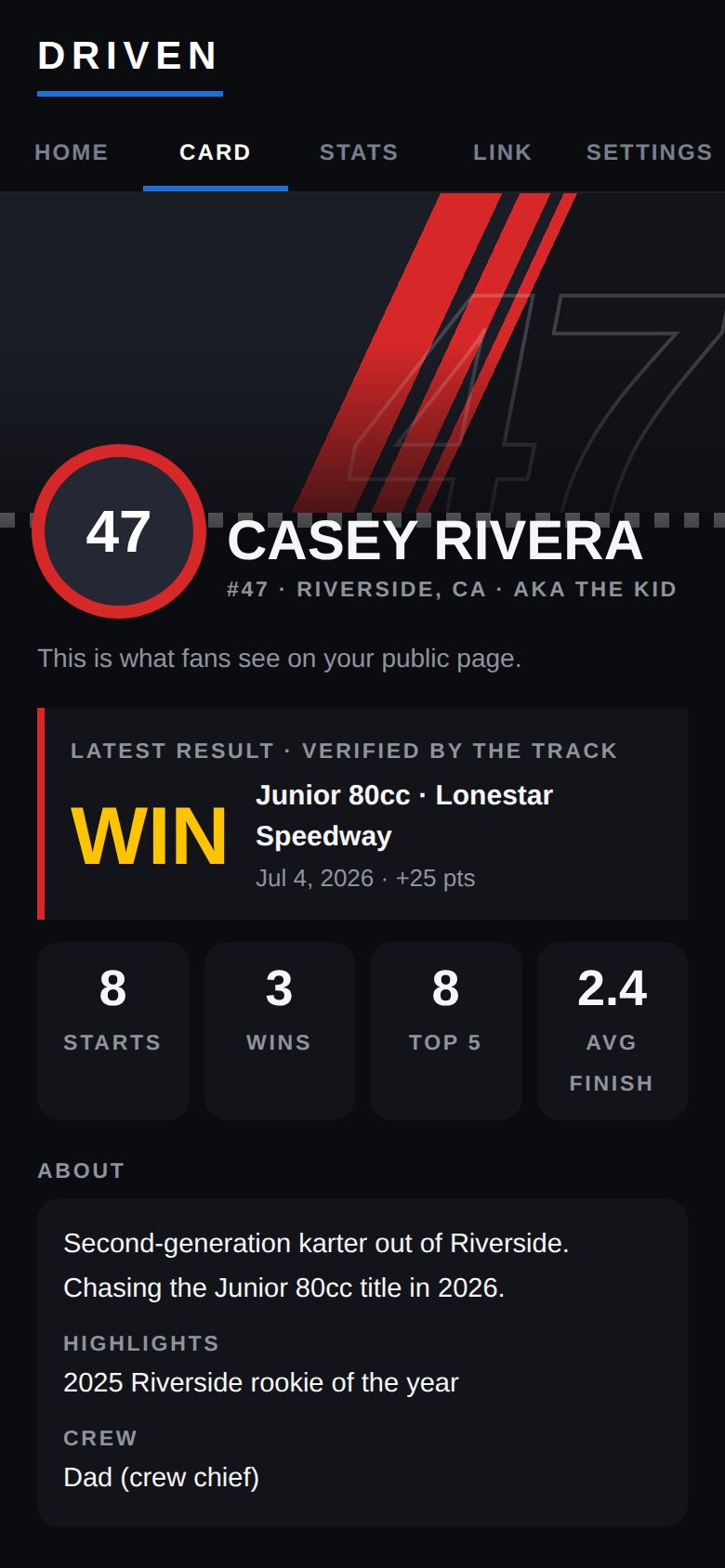
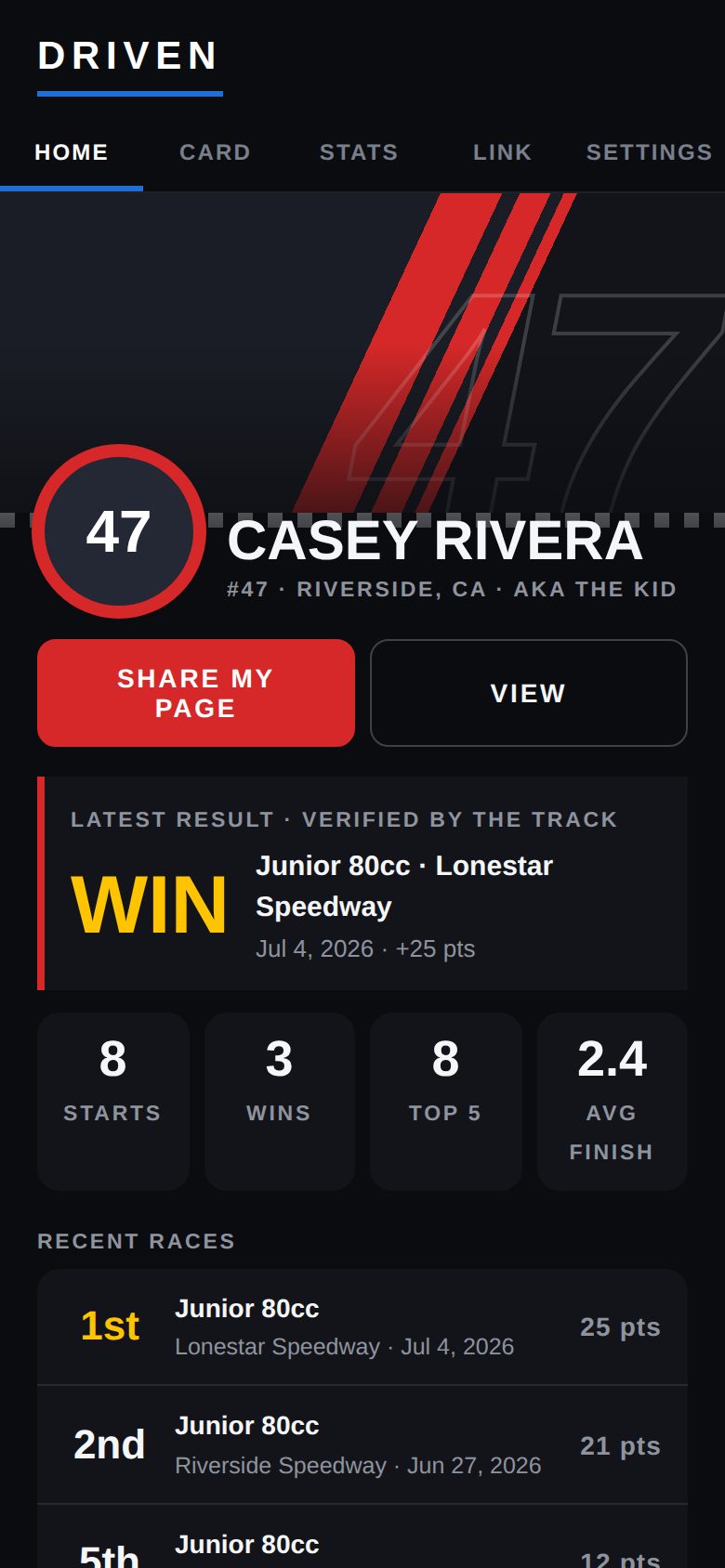
Open Driven and type your name. Add your number, hometown, sponsors and crew whenever you like.
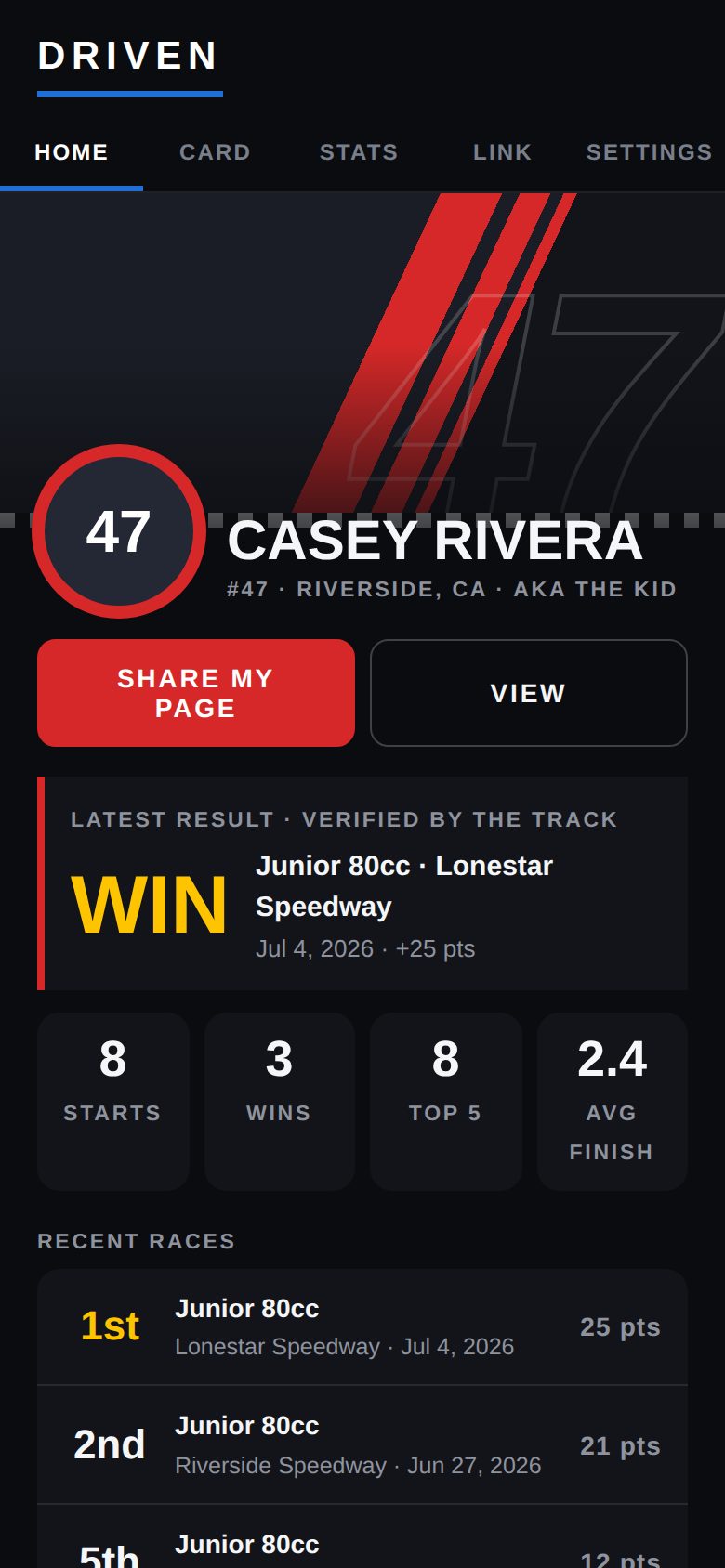
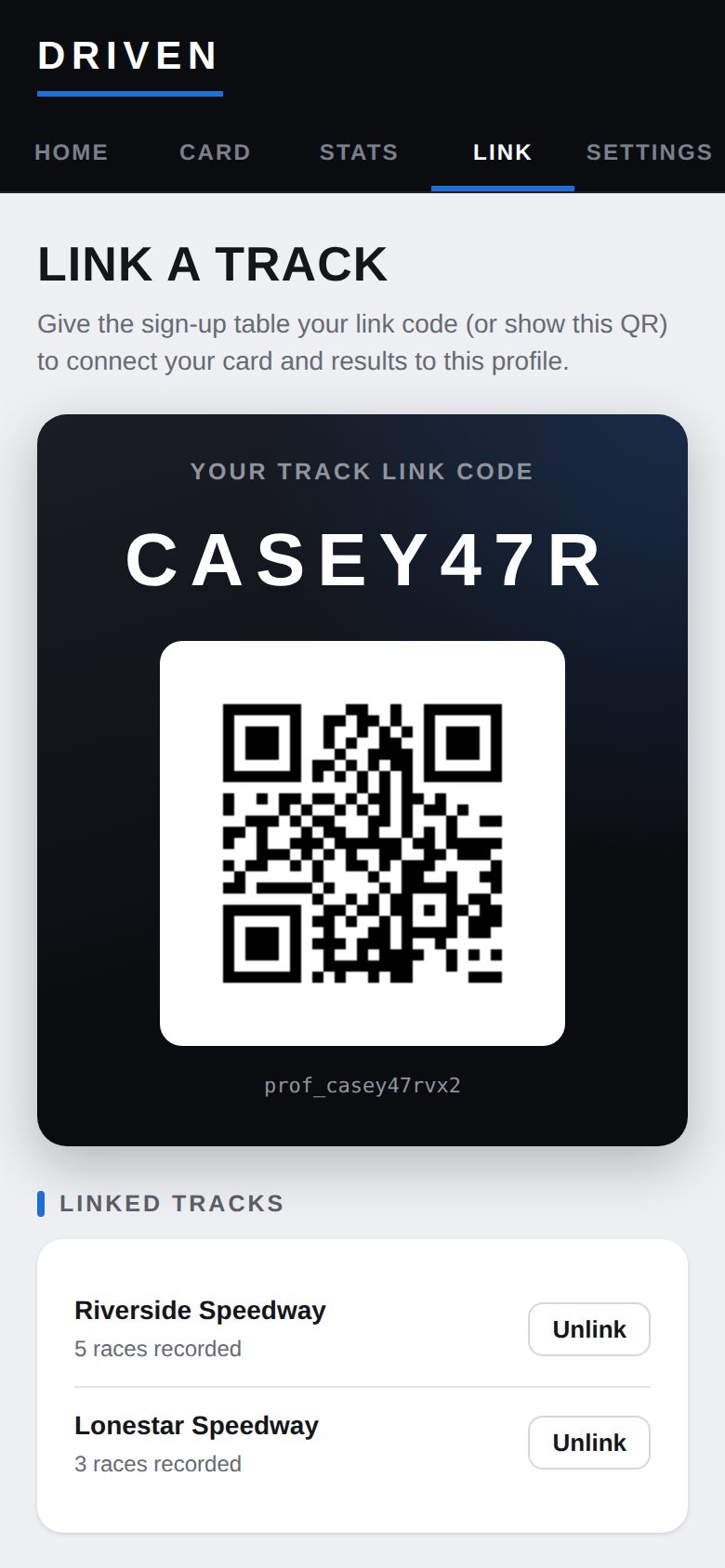
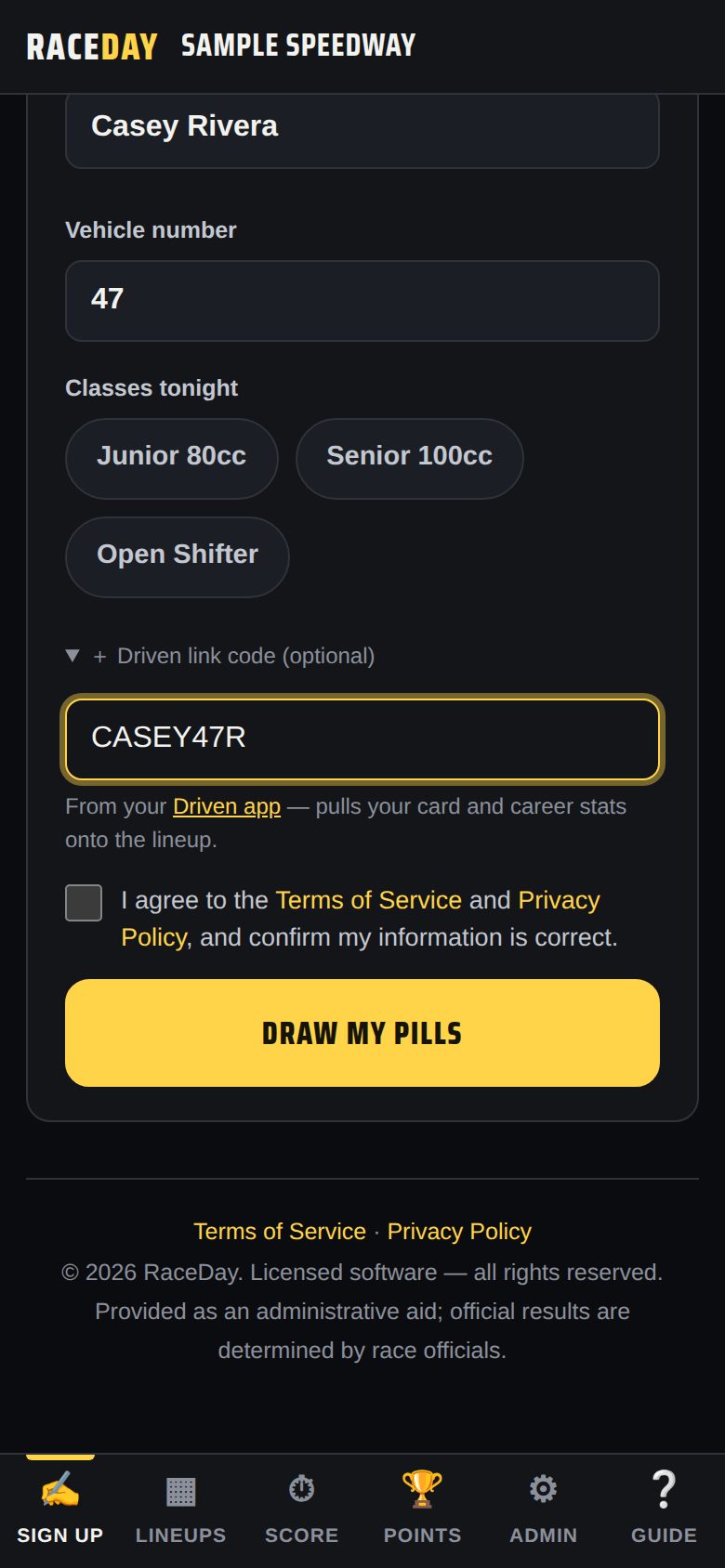
One tap puts your card online and gives you a short link code — like CASEY47R.
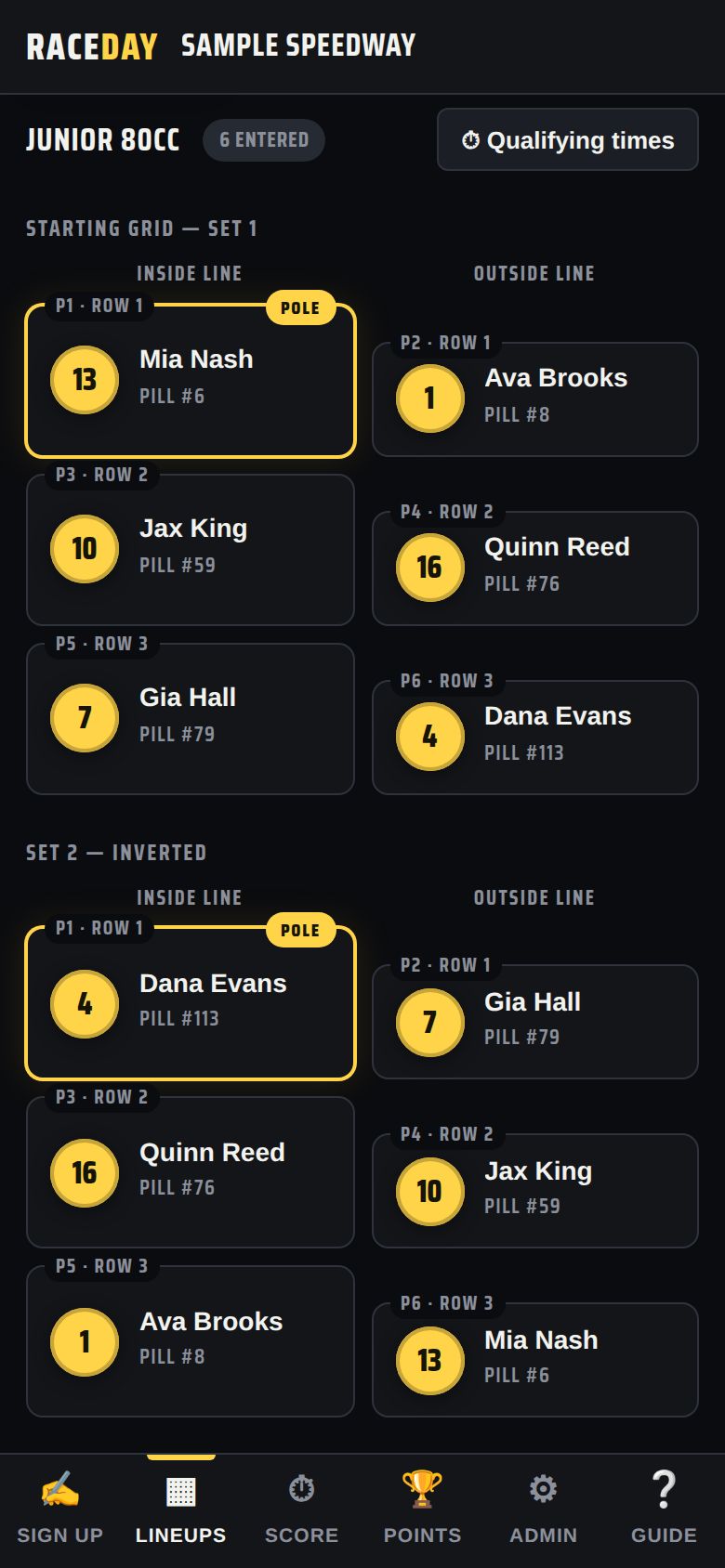
At a RaceDay track's sign-up table, enter your code. Your card shows up on the lineup — no retyping.
When the track wraps up the night, your finishes land on your profile and your public page.
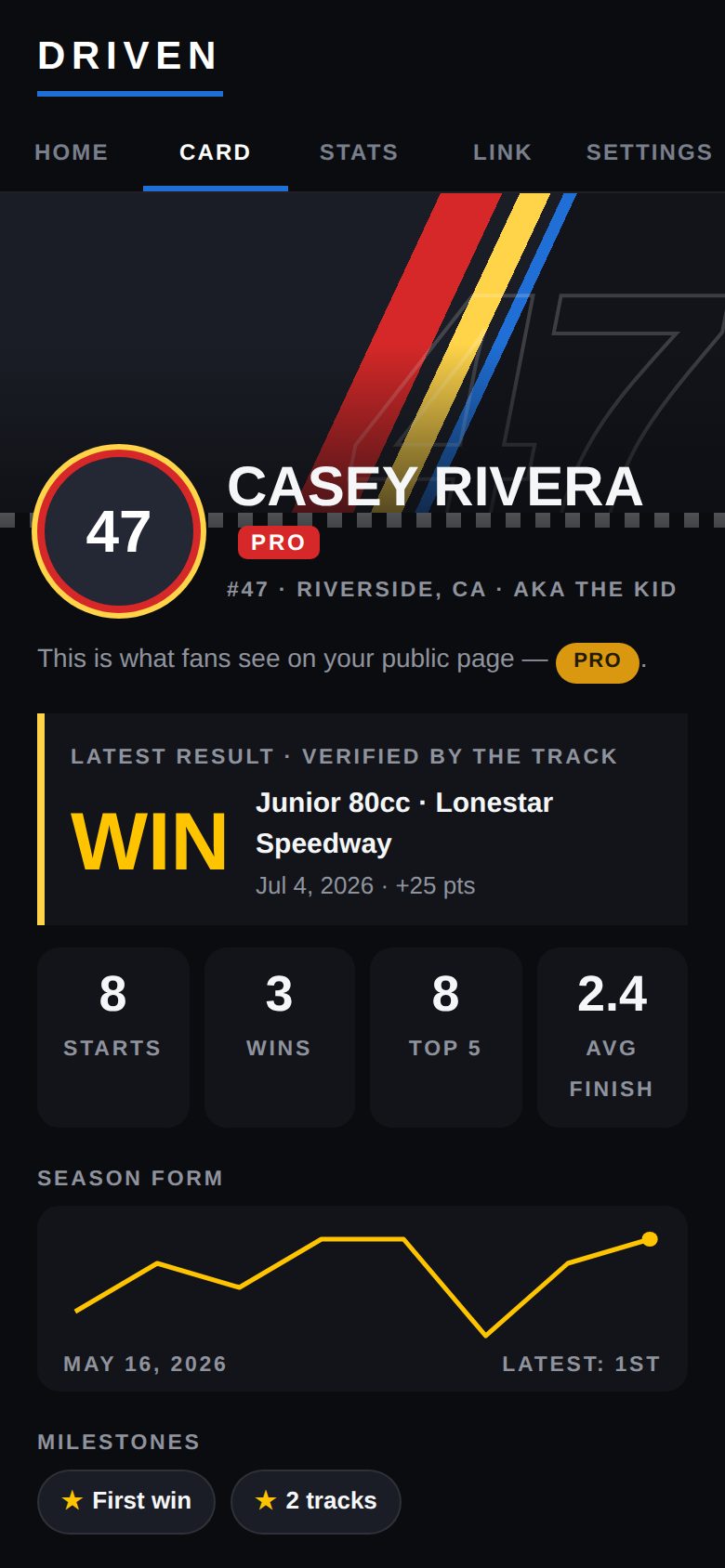
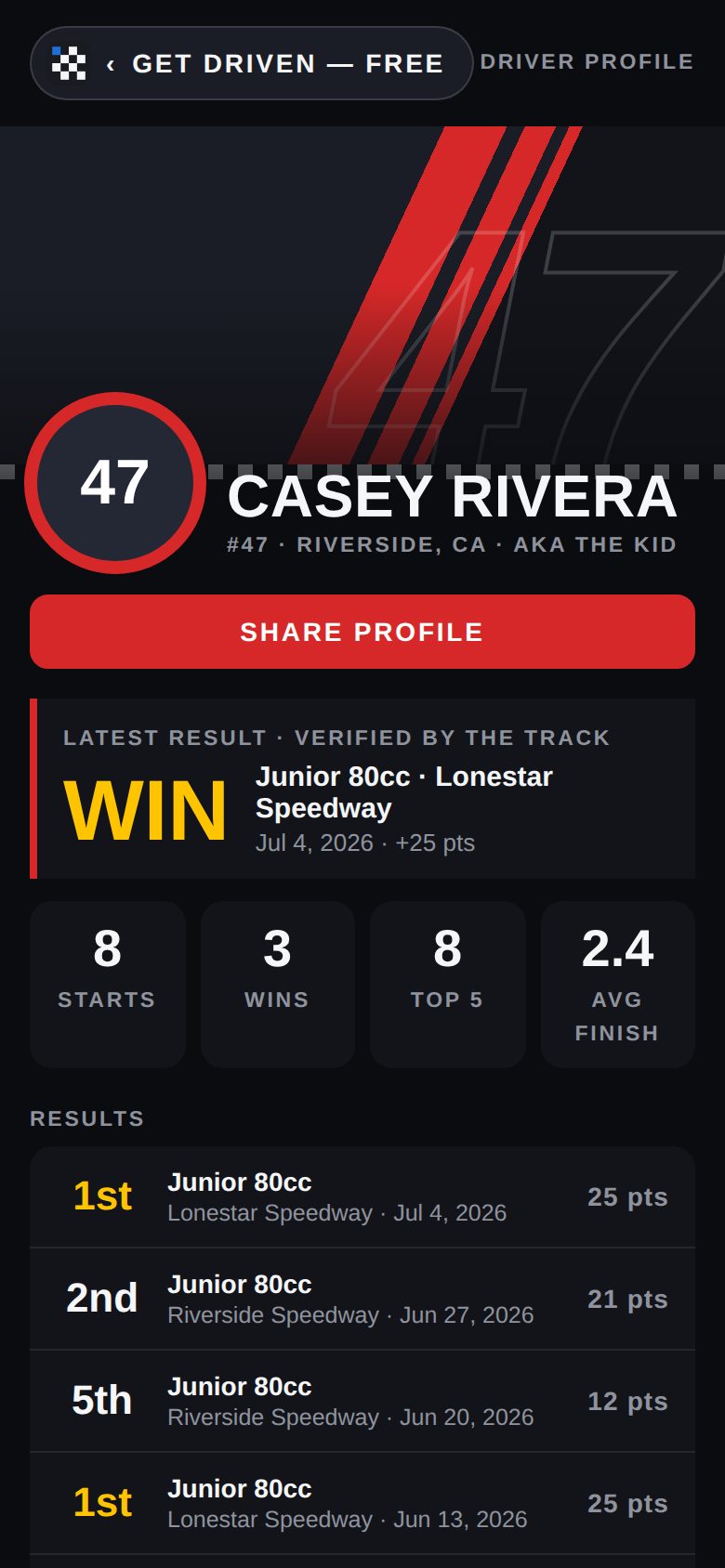
Every driver gets a link to share — on Facebook, in a sponsor pitch, on the side of the trailer. It opens on any phone, no app and no account.


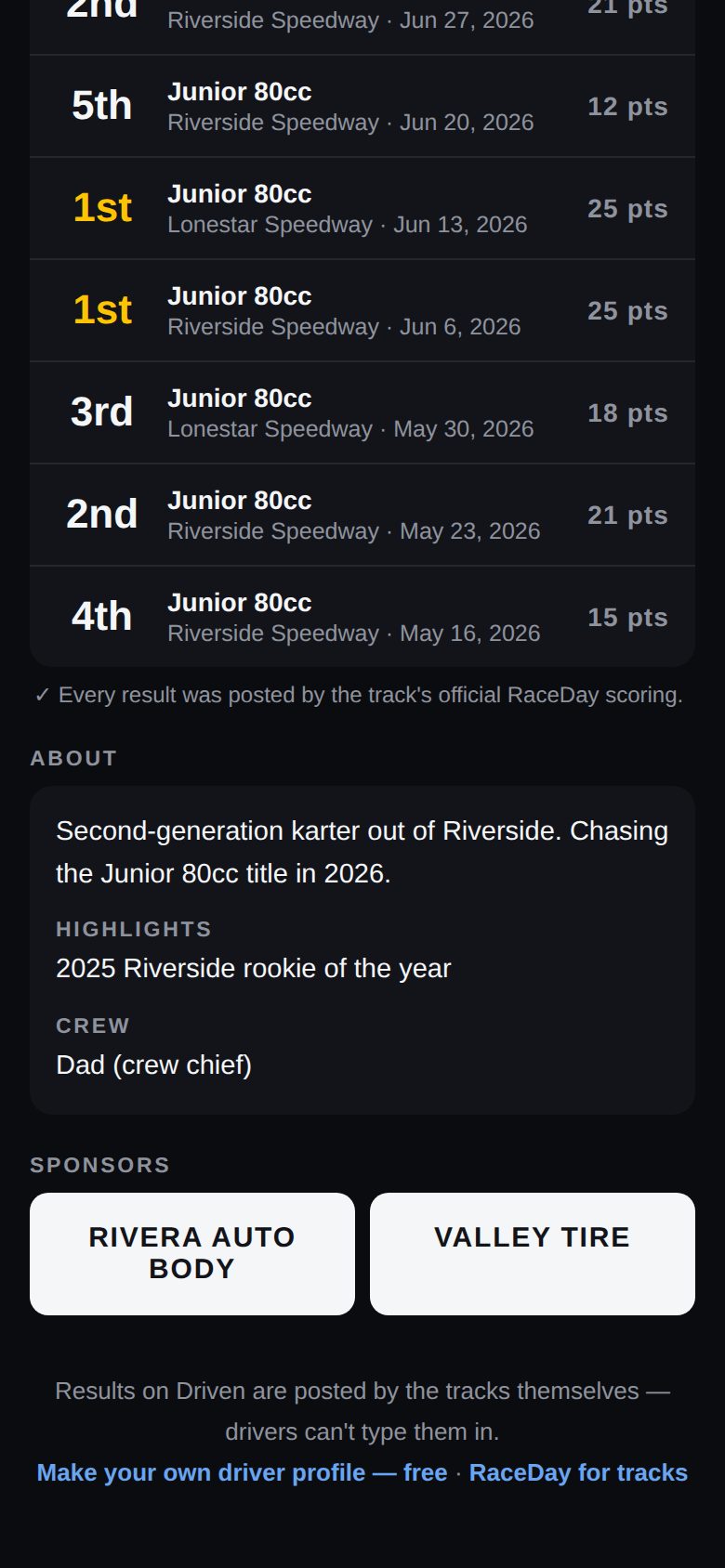
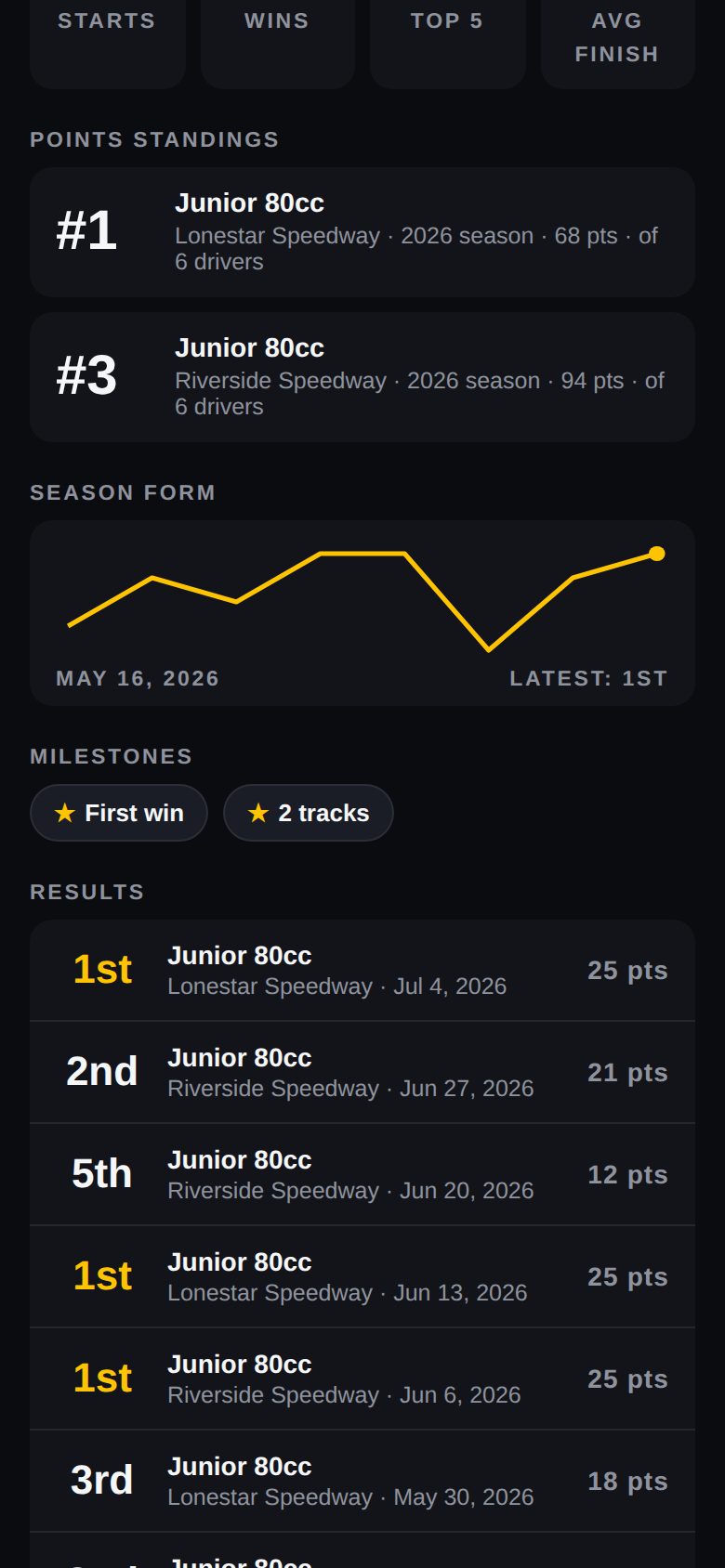
Driven doesn't let drivers type their own finishes onto their page. Results come from the track's official RaceDay scoring, so a win on your page is a win.
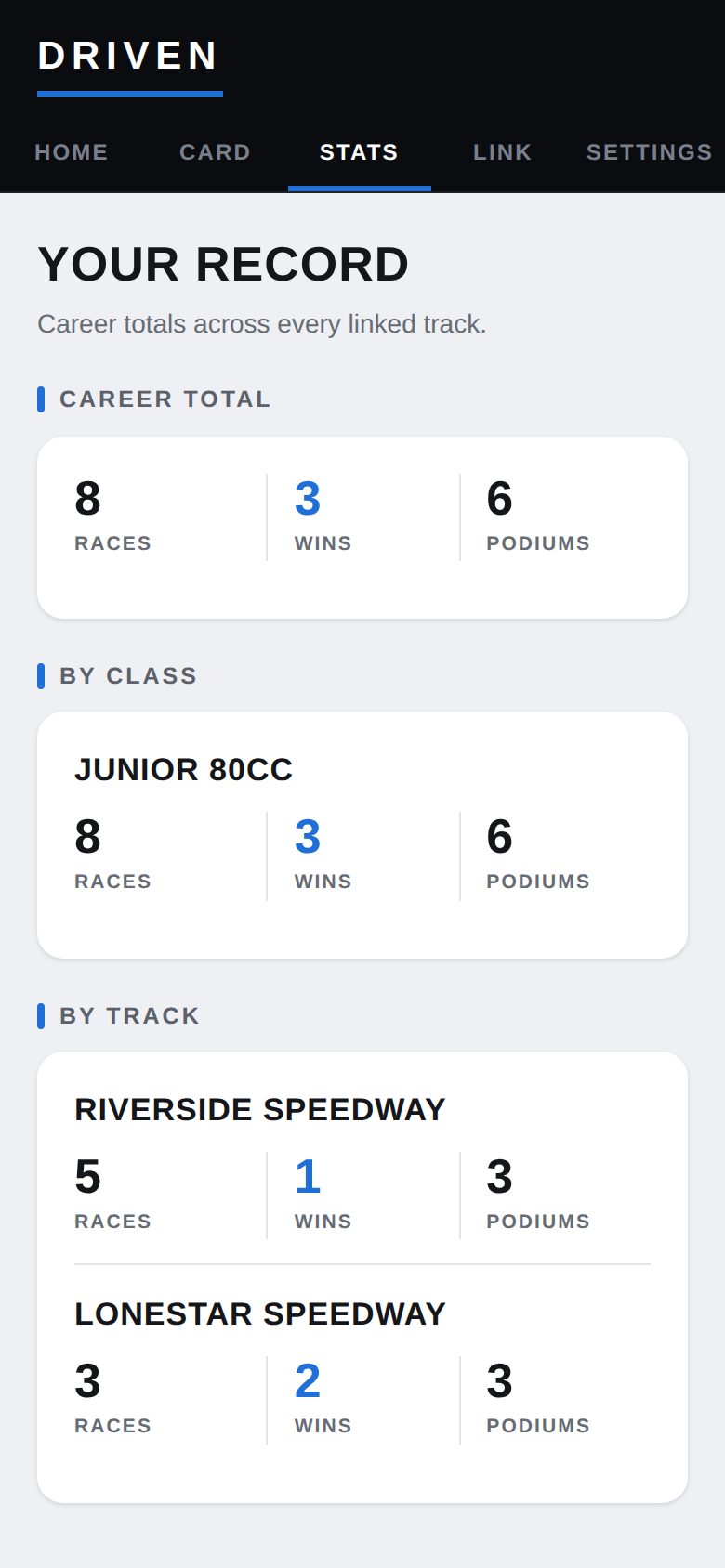
Your record adds up across every track and class you race: races, wins and podiums — career, by class, and by track.


Tracks running RaceDay have a Driven link code box on their sign-up screen. Type your code once and the track has your card — and every night after, you just tap your name.
No code handy? Show the QR code on Driven's Link page, or have the race director link your card from the lineup.


Driven is free — profile, public page, results and stats. Pro is for drivers who want their page to look like race-day TV.


RaceDay is the race-night software behind it — sign-up, pill draw, lineups, scoring, B-mains and season points on one screen. Your drivers' cards and results flow both ways.

Driven is new this season, and you'd be one of the first drivers on it. It takes a minute: type your name, publish, and bring your link code to the track.