-
Open Driven
On your phone, go to victoryraceday.com/driven. The first time, a Welcome to Driven screen opens by itself.
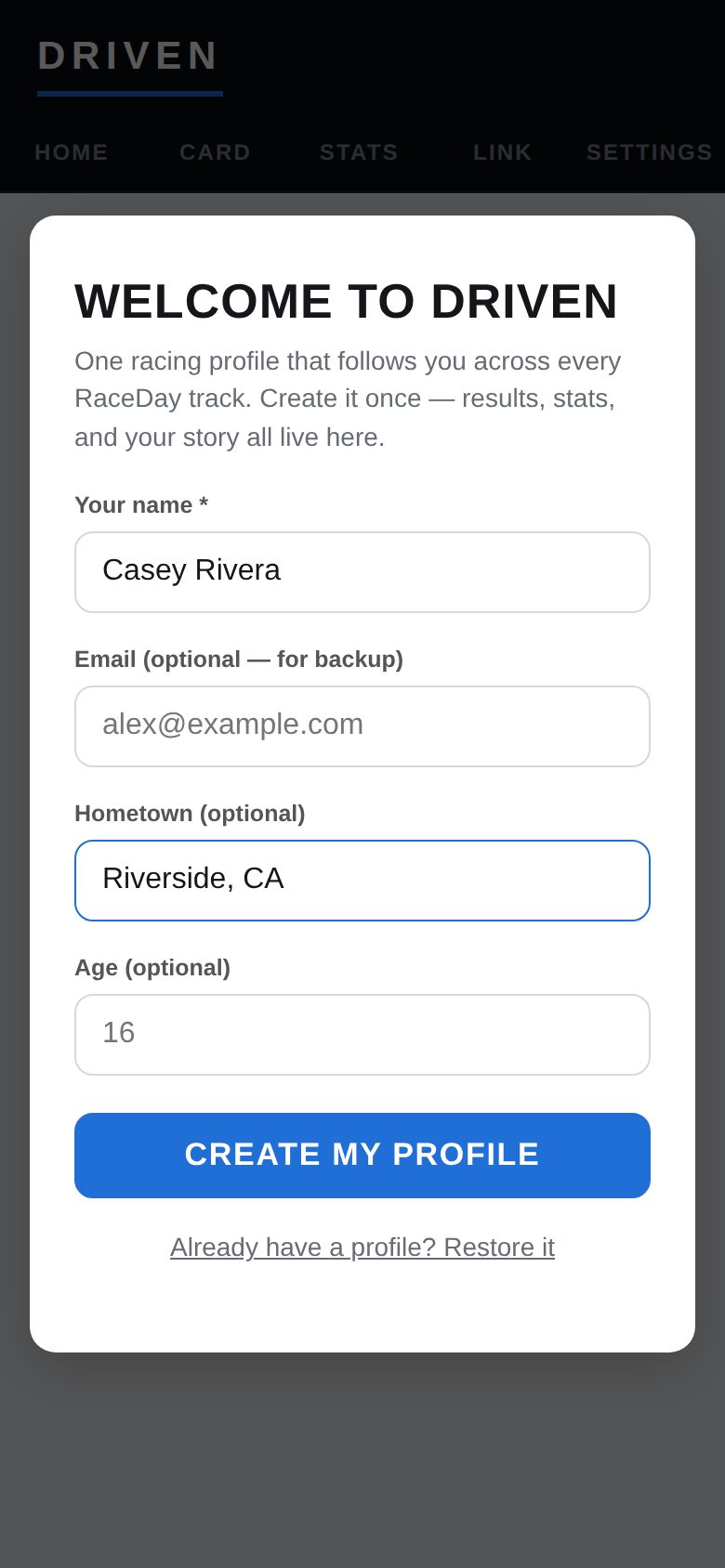
Welcome to Driven -
Type your name
Your name is the only thing required. Email, hometown and age are optional — email is only used for your backup. Tap Create my profile.
-
Add it to your home screen
On iPhone, tap Safari's Share button → Add to Home Screen. In Chrome, use Install app from the menu. Driven then opens like an app.
-
Fill in your card
Open Settings and add your car number, team color, photo, hometown, bio, sponsors and crew. Tap Save changes. Everything here is optional and can change any time.
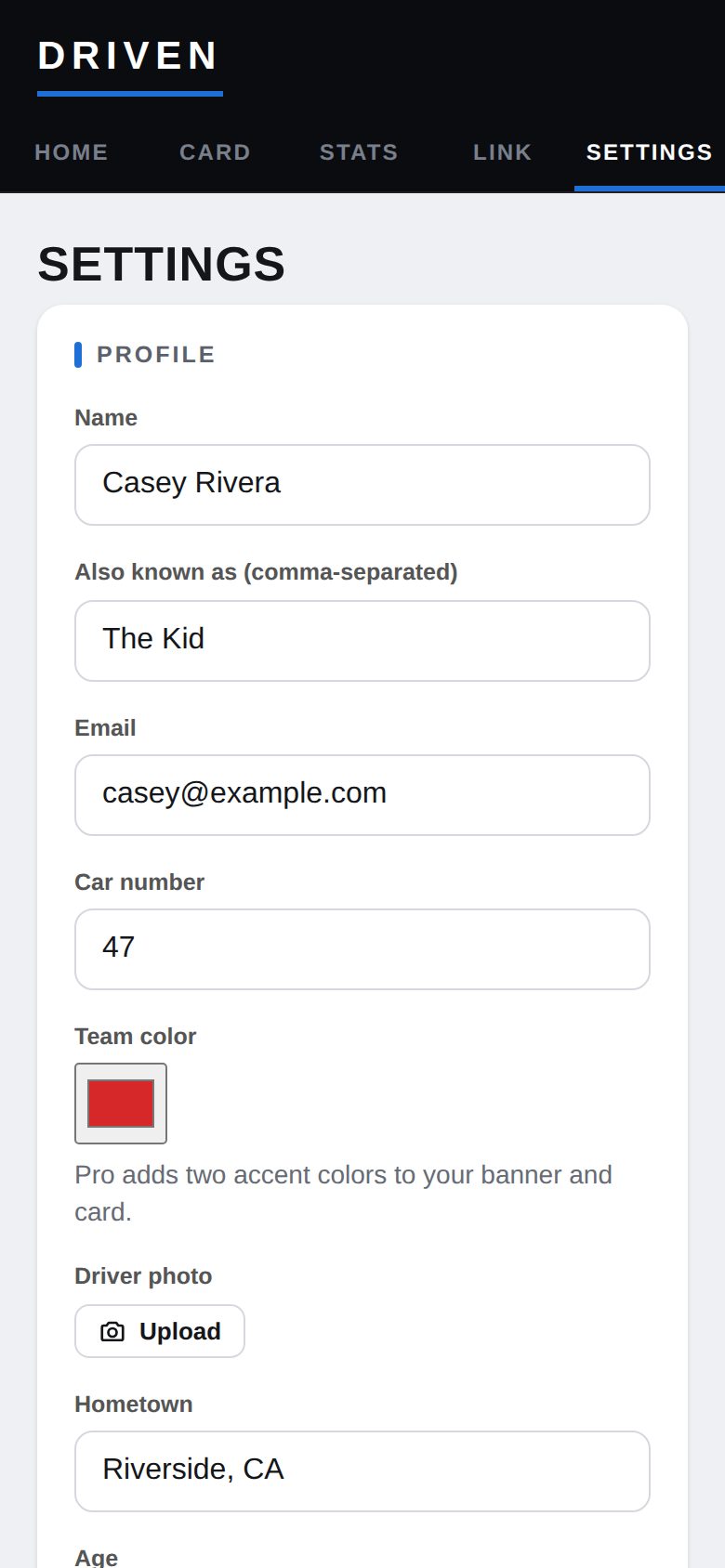
Settings → Profile -
Check how it looks
The Card tab shows your card exactly the way fans will see it.
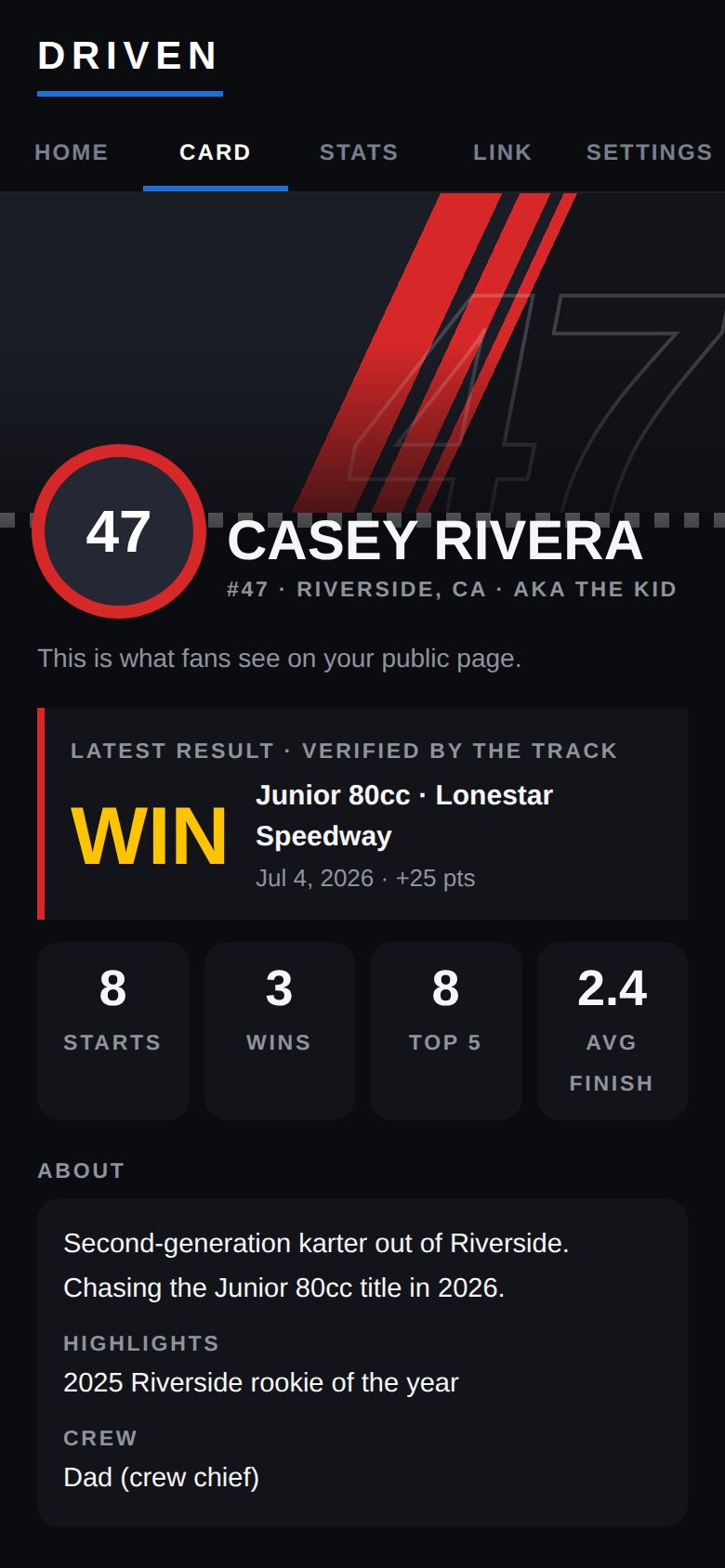
Your card
Good to know
- No account, no password, and no app store.
- Use the same browser every time — Driven saves your profile on this phone. A backup protects you if that changes (see Back up & restore).
Next guides
Still stuck? The Driver FAQ covers common questions, and the Field Manual walks through every Driven screen. Or just ask.
Email a question →